Smart parking management for enterprise workplaces

Parking and revenue tools for multifamily properties.

Entry via phone, license plate, or badge — no manual lists.

See exactly which spaces are in use, in real time.

Interactive maps that guide people straight to their spot.

Self-service guest check-in with instant space booking.

Connect the tools your team already uses

Add-Ons

Automate charger rotation so every EV gets a fair turn.

Plan and manage employee shuttle routes in one place.

Match employees by route to share rides and free up spaces.

Organized shared commutes that cut costs and reduce cars on-site.

Book desks and rooms for flexible, hybrid workspaces.

See how real customers solved their parking problems

Find solutions built for your sector

Parking insights, guides, and industry trends

In-depth guides you can take offline

Meet the team behind the platform

Best Seat in the House. Every Day.

Smart desk booking that adapts to how your people actually work.

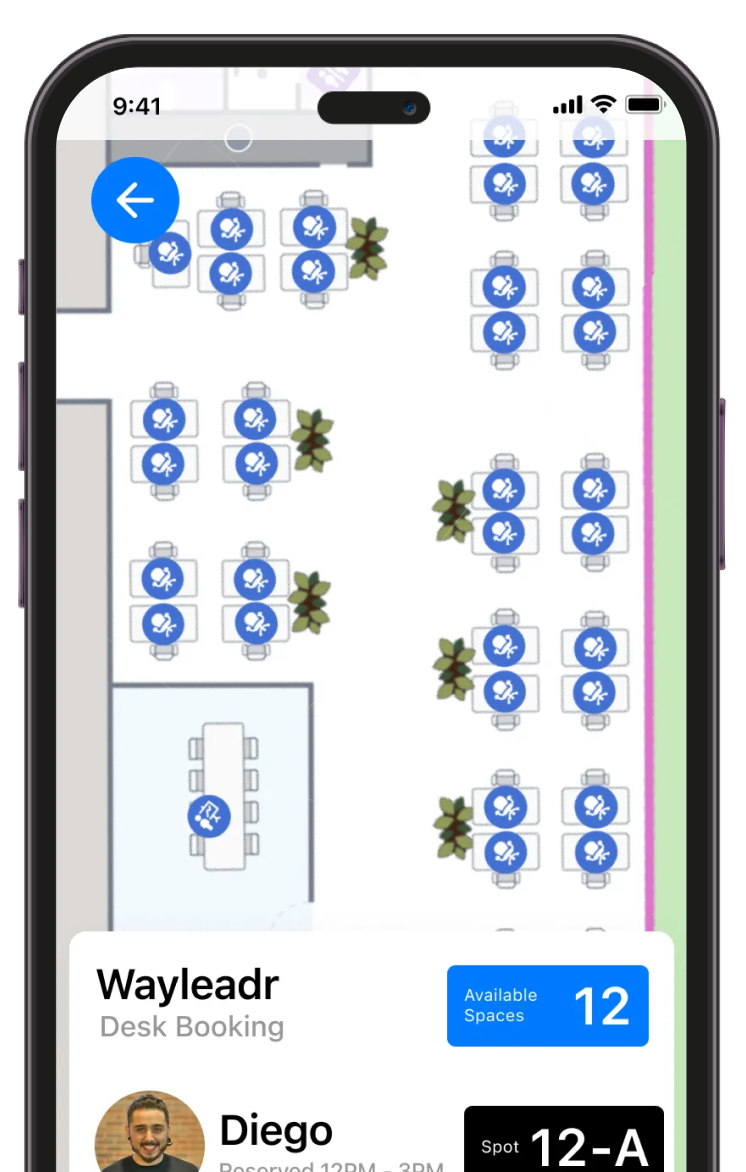
Wayleadr Desk Booking mobile app showing an office floor plan with rows of desks marked as available or reserved, plus an Available Spaces 12 summary and a Diego reservation card for spot 12-A from 12 PM to 3 PM. Shown in an iPhone frame.

Industry giants rely on Wayleadr to streamline their parking management

1. Book your desk in advance

Reserve your workspace through the app or web with real-time availability. Pick your exact desk or choose by zone, and see who’s sitting nearby for easy team coordination.

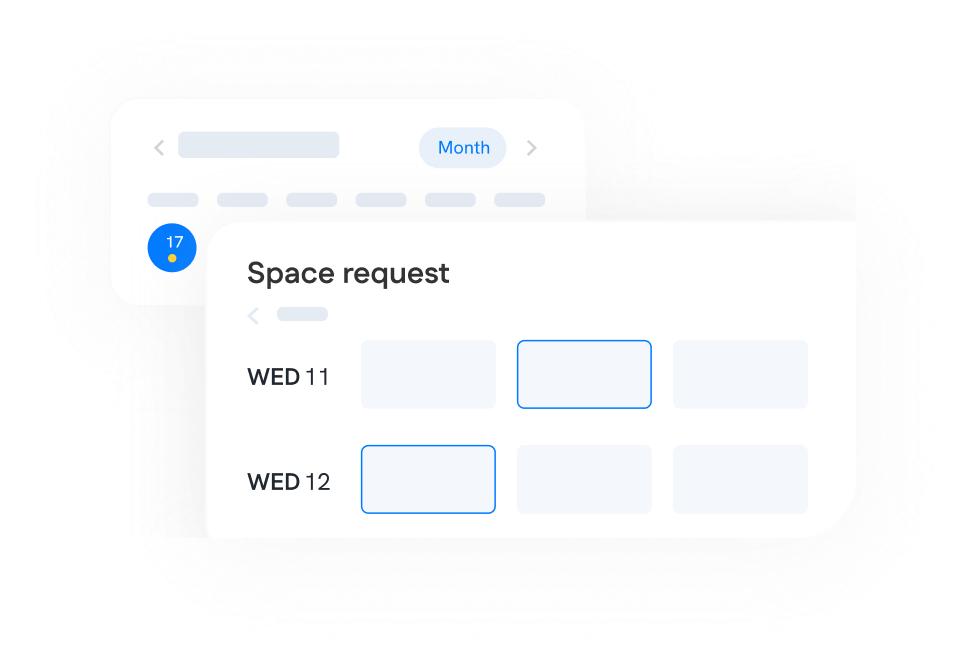
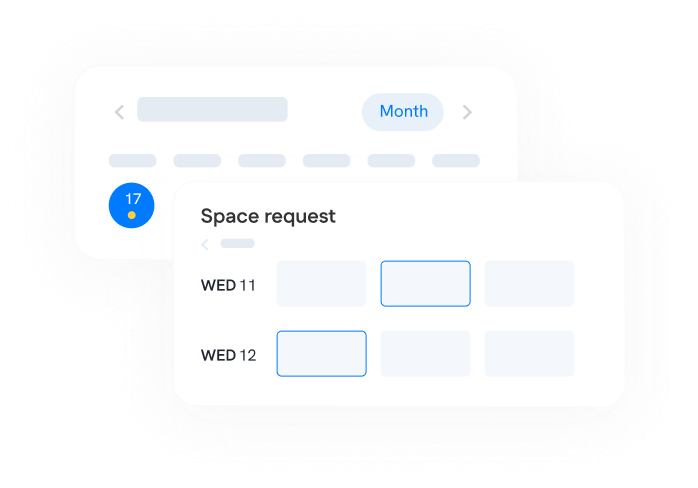
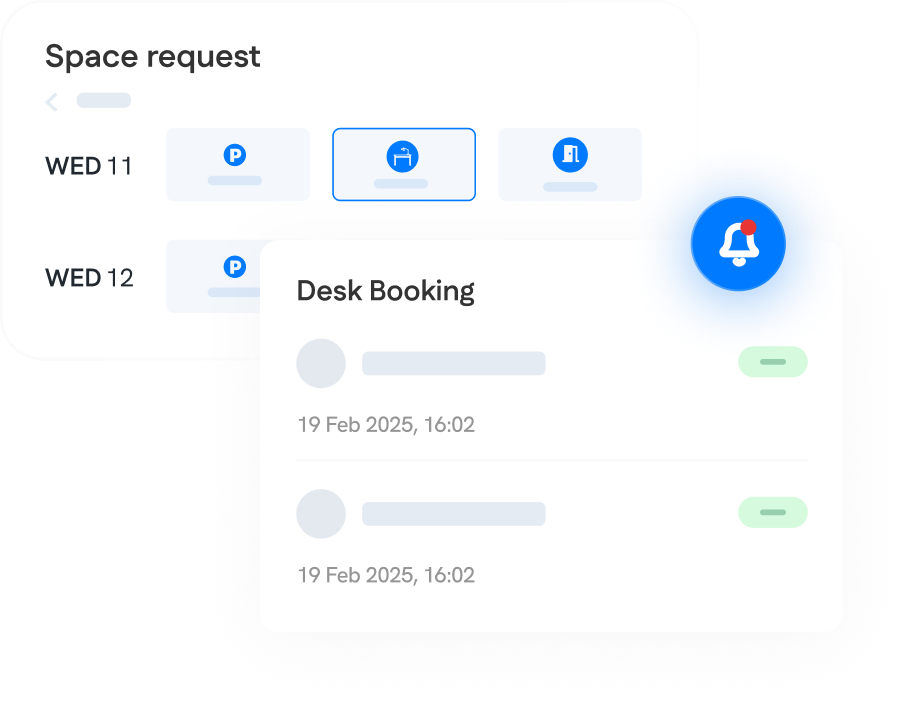
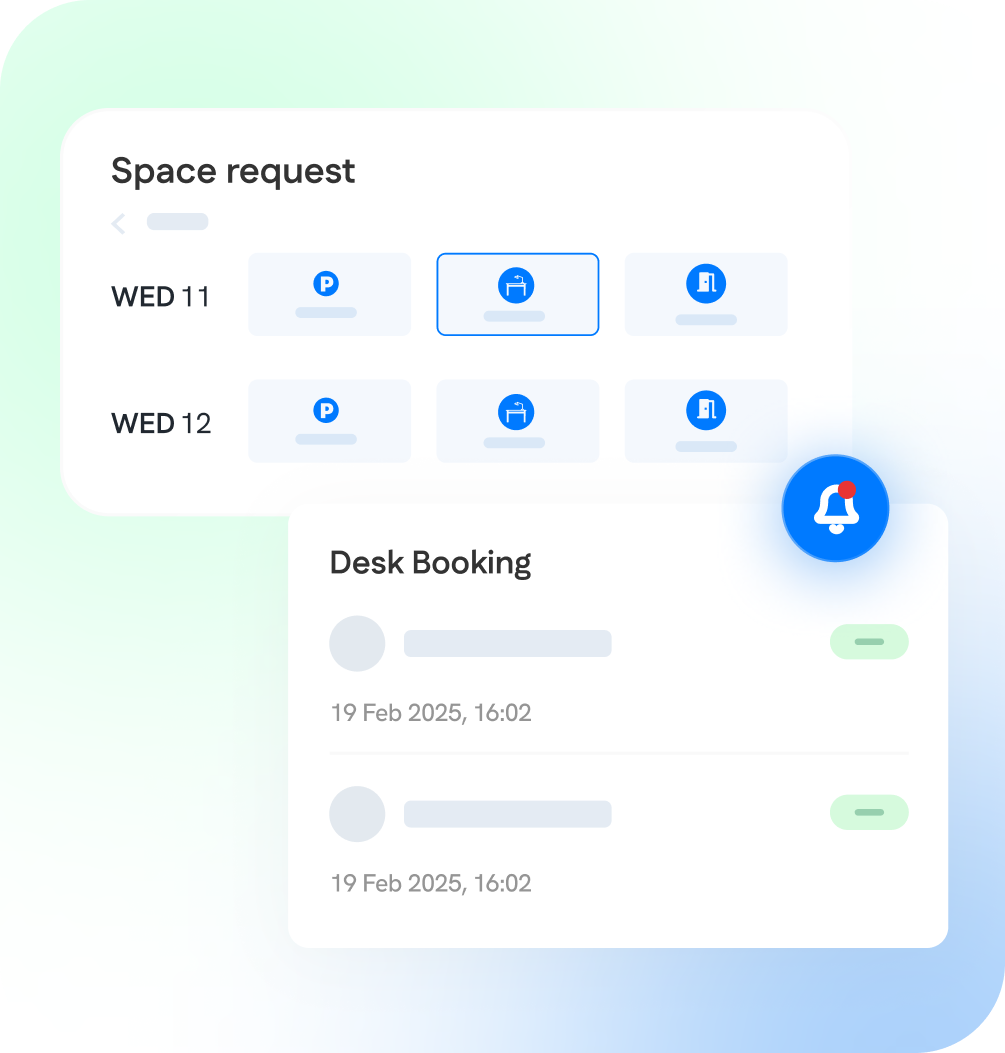
Wayleadr Space Request feature graphic with a Month-view calendar card behind a Space Request modal showing two days (WED 11, WED 12) each with three available slots, one selected with a blue outline.
Decorative composite of two Wayleadr UI mockups: a month calendar header with the 17th highlighted, and a Space request panel showing date rows for Wednesday 11 and Wednesday 12 with three blank space-type tiles each — used to illustrate booking flows in Wayleadr marketing material.

2. Get instant confirmation

Wayleadr processes your booking immediately and sends confirmation details. Your desk is secured on a first-come, first-served basis with no waiting or approval delays.

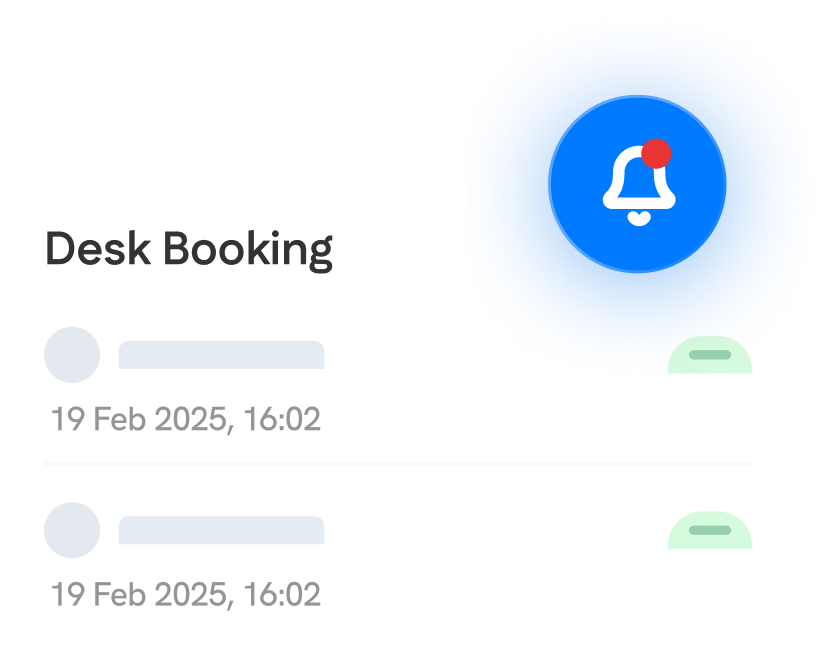
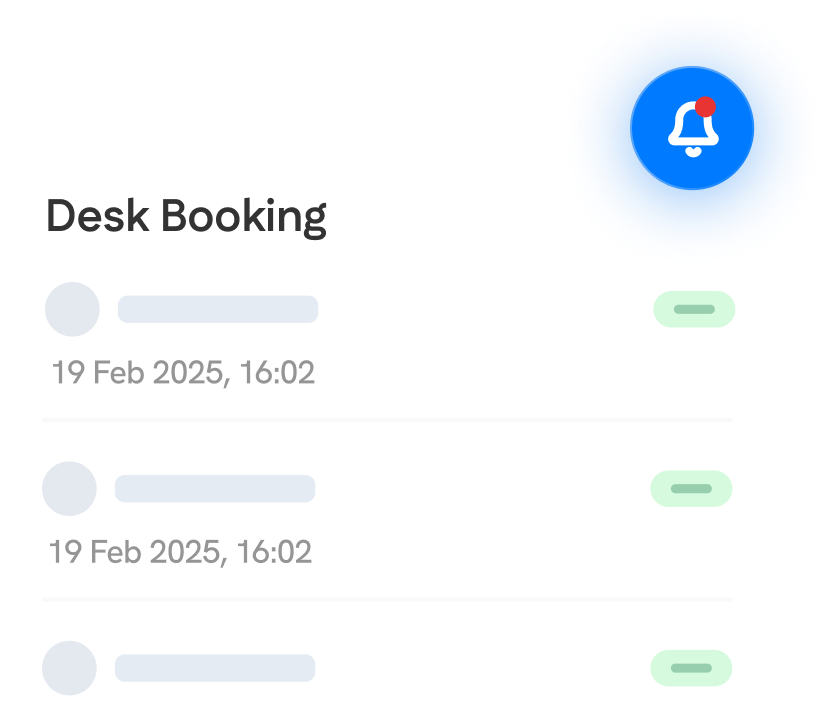
Wayleadr Desk Booking notification card variant showing two 19 Feb 2025 16:02 entries with green status indicators and a prominent blue bell notification icon. Note: visual variant of id 110544.
Wayleadr employee mobile app Desk Booking notification card with two booking entries dated 19 Feb 2025 16:02 and a blue bell notification icon with a red unread dot.

3. Navigate to your spot

On booking day, use the built-in map feature to get directions straight to your assigned desk. No more wandering around looking for available workspace.

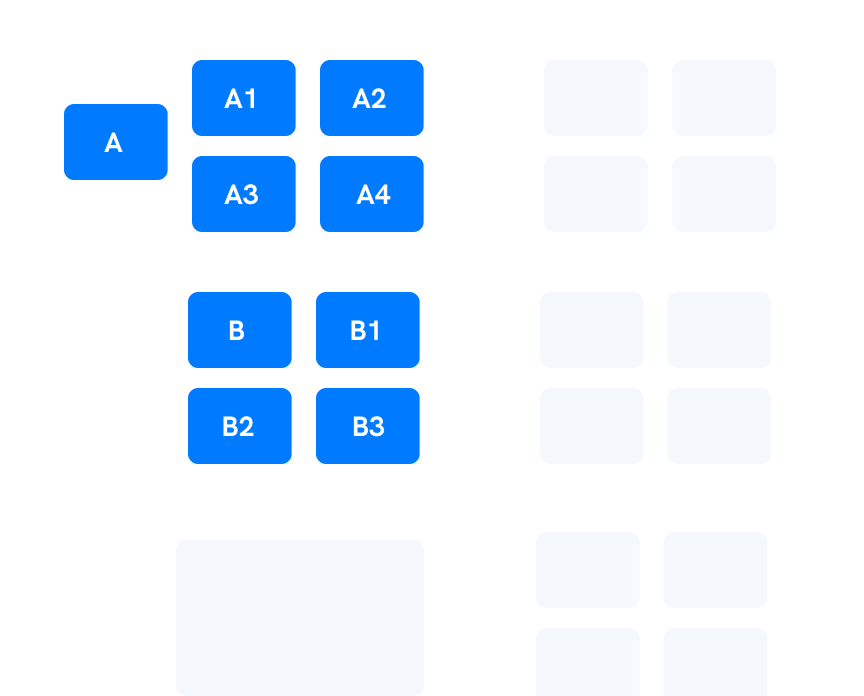
Wayleadr permit allocation feature graphic showing a grid of solid blue blocks labeled A, A1, A2, A3, A4, B, B1, B2, B3 alongside faint placeholder blocks — illustrates the platform's zone-by-zone permit allocation engine.

4. Track usage and optimize

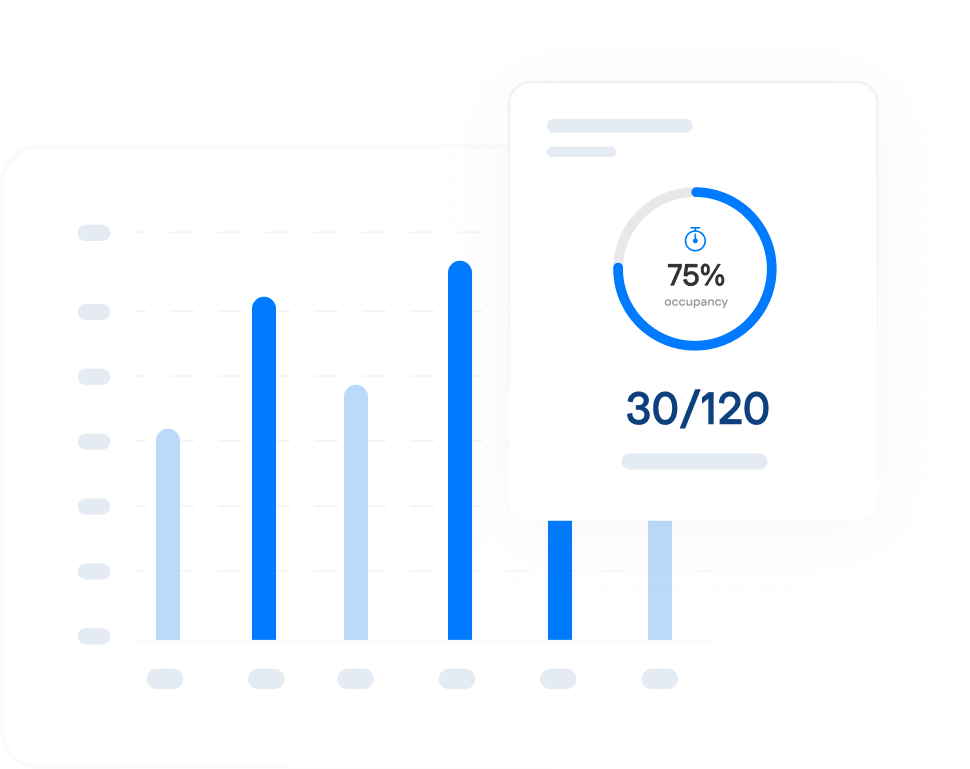
Facilities teams get full visibility into desk utilization patterns, peak usage times, and space optimization opportunities — all in one comprehensive dashboard.

Wayleadr live occupancy feature graphic showing a bar chart with six vertical bars and a 75% occupancy / 30 of 120 spaces card overlaid in the foreground.

Why Leaders Choose Wayleadr For Desk Management

Wayleadr mobile app composite showing a Space request type selector for Wednesday 11 with Parking, Desk and Visitor icons, plus a Desk Booking notification card with two recent activity entries dated 19 February 2025 and a notification bell icon with an unread badge.
Wayleadr Space Request feature graphic showing two days (WED 11 and WED 12) each with three booking-type icons (parking, desk, meeting room), plus a Desk Booking notification card listing two 19 Feb 2025 entries with green status indicators.

Instant Booking & Updates

No more approval delays or booking uncertainty. First-come, first-served processing means immediate confirmation, while real-time availability prevents double bookings and last-minute surprises.

Interactive Floorplans

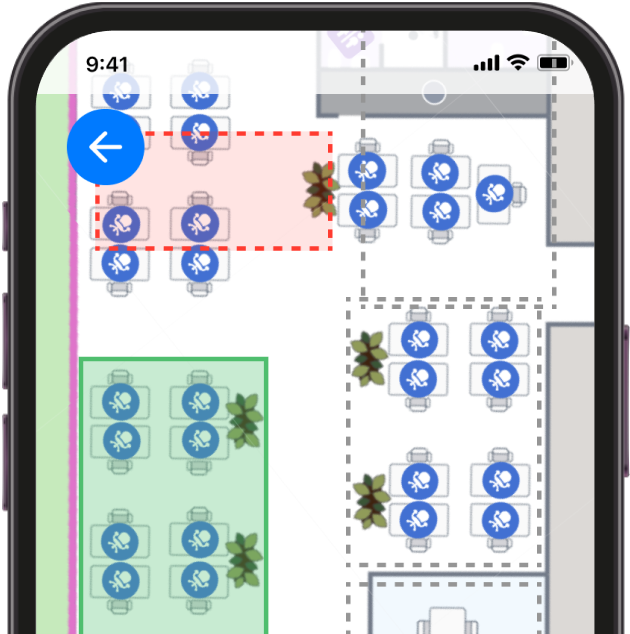
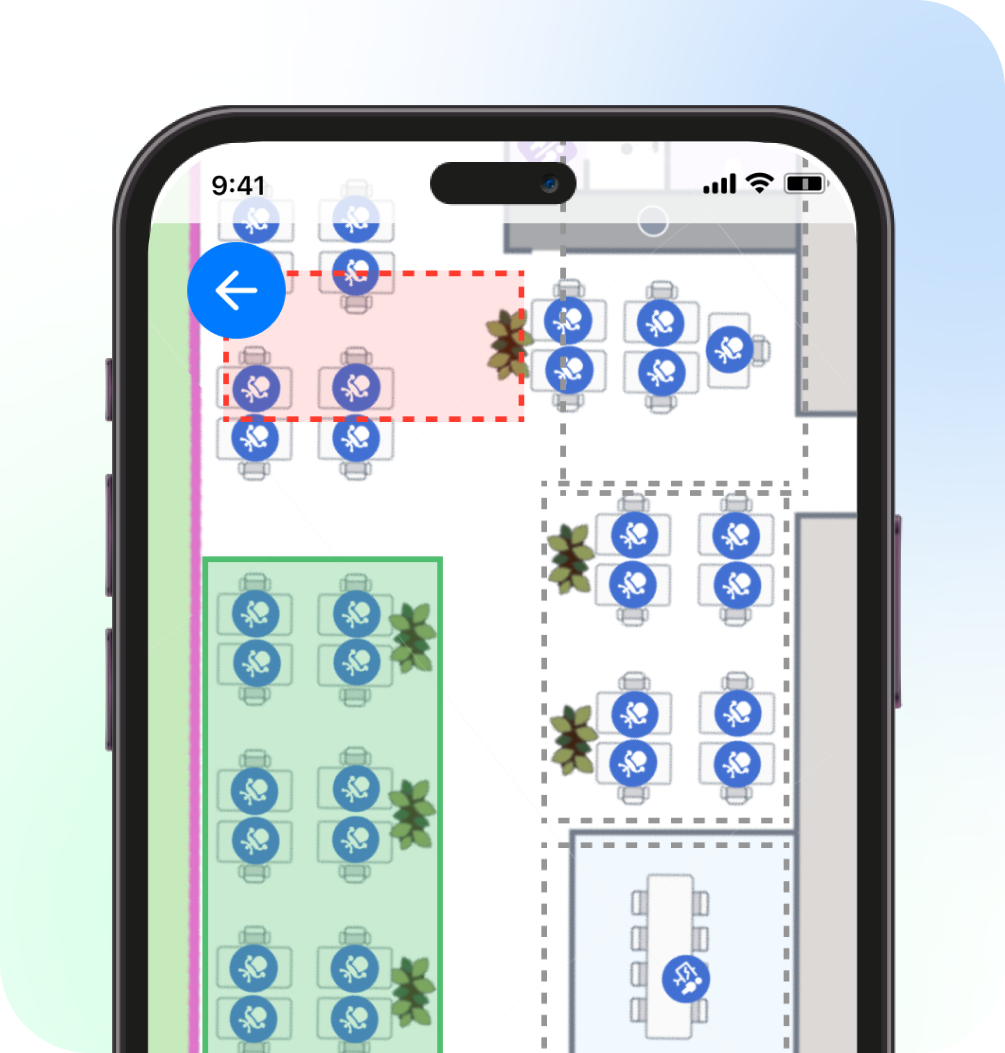
Eliminate the guesswork with visual desk selection. Employees see exactly what’s available, pick their ideal spot, and coordinate with teammates using real floor layouts instead of confusing booking grids.

Wayleadr Desk Booking mobile app office floor plan with a red dashed boundary marking a permitted booking zone, a green outlined block of available desks and rows of seat icons. Shown in an iPhone frame.
Wayleadr employee mobile app desk booking interactive floorplan showing rows of desks as icons in white and green zones, with a red dashed selection rectangle around several desks, and a back arrow. Shown in an iPhone frame.
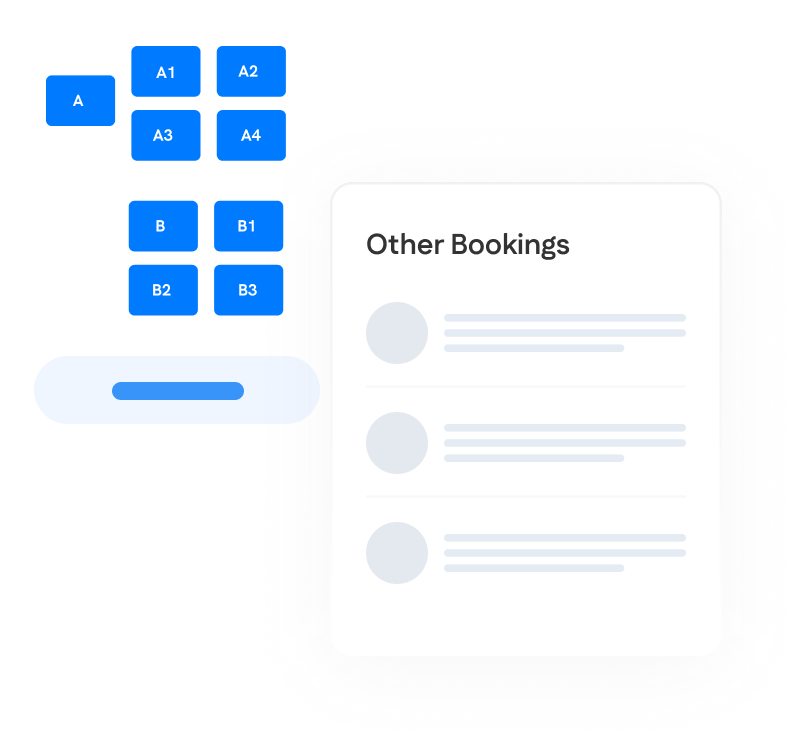
Decorative diagram showing a parent zone A with child seats A1 to A4 and a parent zone B with B1, B2 and B3 child seats, alongside a placeholder Other Bookings list panel — used to illustrate seat selection in Wayleadr marketing material.
Wayleadr permit allocation feature graphic showing a color-coded zone grid (A, A1, A2, A3, A4, B, B2 in blue) overlaid with an Other Bookings card listing three booking entries.

Smart Collaboration Features

Transform random desk assignments into strategic team coordination. Employees can see who’s booked nearby, plan collaborative workdays, and book adjacent spots for project-focused sessions.

Zero Admin Overhead

Set booking policies once and let automation handle the rest. Self-service booking, automatic space release, and intelligent scheduling eliminate manual management while providing complete usage visibility.

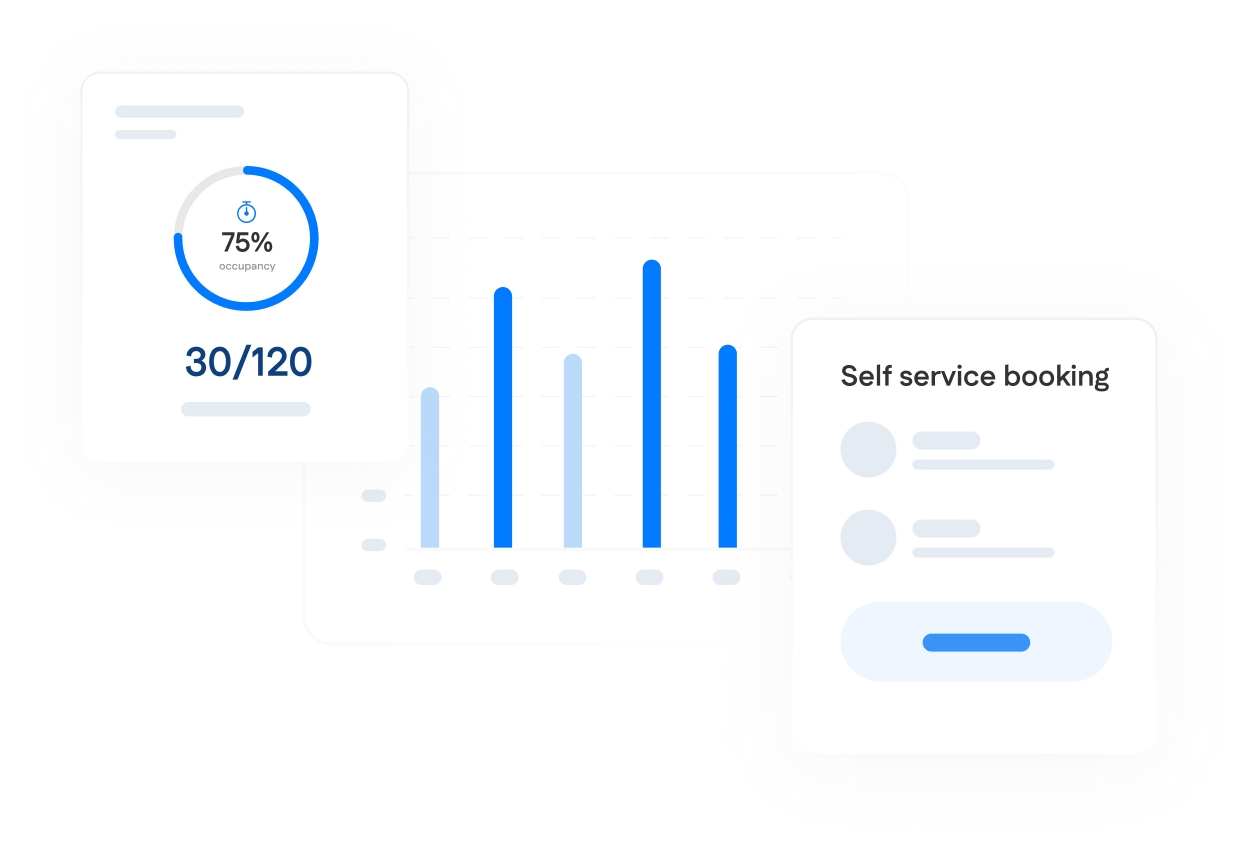
Decorative composite of three Wayleadr UI mockups on a light grey background: a 75% occupancy donut chart with 30 of 120 spaces, a six-column bar chart and a Self service booking panel with placeholder list rows — used to illustrate analytics and self-service booking in Wayleadr marketing material.
Wayleadr Self Service Booking feature graphic showing a circular gauge at 75% occupancy with 30/120 spaces, a Self service booking card, and a bar chart with five vertical blue bars representing daily booking demand.

Why Leaders Choose Wayleadr For Desk Management

Wayleadr mobile app composite showing a Space request type selector for Wednesday 11 with Parking, Desk and Visitor icons, plus a Desk Booking notification card with two recent activity entries dated 19 February 2025 and a notification bell icon with an unread badge.
Wayleadr mobile app composite on a soft green-blue background: a Space request type selector for Wednesday 11 and 12 with Parking, Desk and Visitor icons, plus a Desk Booking activity card with two booking entries dated 19 February 2025 and a notification bell with an unread badge.

Instant Booking & Updates

No more approval delays or booking uncertainty. First-come, first-served processing means immediate confirmation, while real-time availability prevents double bookings and last-minute surprises.

Interactive Floorplans

Eliminate the guesswork with visual desk selection. Employees see exactly what’s available, pick their ideal spot, and coordinate with teammates using real floor layouts instead of confusing booking grids.

Wayleadr Desk Booking mobile app office floor plan with a red dashed boundary marking a permitted booking zone, a green outlined block of available desks and rows of seat icons. Shown in an iPhone frame.
Wayleadr Desk Booking mobile app office floor plan with a red dashed boundary indicating a permitted booking zone and a green outlined block of available desks, plus rows of seat icons. Shown in an iPhone frame on a soft pastel background.
Decorative diagram showing a parent zone A with child seats A1 to A4 and a parent zone B with B1, B2 and B3 child seats, alongside a placeholder Other Bookings list panel — used to illustrate seat selection in Wayleadr marketing material.
Decorative diagram showing a parent zone A breaking out into seats A1 to A4 plus a parent zone B with a B2 seat, alongside a placeholder Other Bookings list panel — used to illustrate seat selection in Wayleadr marketing material.

Smart Collaboration Features

Transform random desk assignments into strategic team coordination. Employees can see who’s booked nearby, plan collaborative workdays, and book adjacent spots for project-focused sessions.

Zero Admin Overhead

Set booking policies once and let automation handle the rest. Self-service booking, automatic space release, and intelligent scheduling eliminate manual management while providing complete usage visibility.

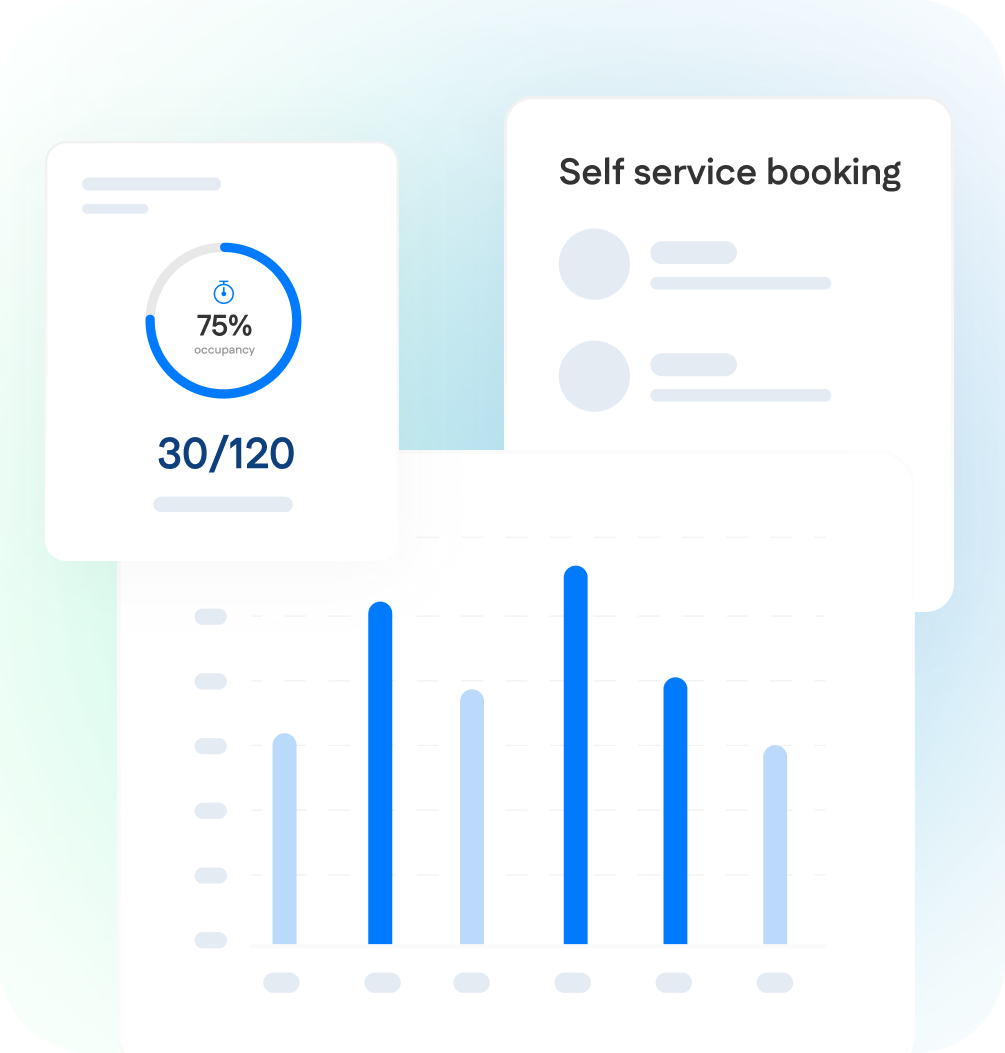
Decorative composite of three Wayleadr UI mockups on a light grey background: a 75% occupancy donut chart with 30 of 120 spaces, a six-column bar chart and a Self service booking panel with placeholder list rows — used to illustrate analytics and self-service booking in Wayleadr marketing material.
Decorative composite of three Wayleadr UI mockups: a 75% occupancy donut chart with 30/120 spaces, a Self service booking panel with placeholder list rows and a bar chart card — used to illustrate analytics and self-service booking in Wayleadr marketing material.

Integrations

Wayleadr Desk Booking connects with calendar systems and communication platforms for effortless workspace coordination.

Slack logo with the multicolor pinwheel symbol followed by slack in black bold lowercase text — Slack is a Wayleadr workplace integration partner.
Google Calendar logo with the multicolored 31 day-of-month calendar icon followed by Calendar in dark grey text — Google Calendar is a Wayleadr integration partner.
Workday logo with an orange arc above workday in blue lowercase text — Workday is a Wayleadr workforce integration partner.
Okta logo with the okta sunburst symbol followed by okta in lowercase black text — Okta is a Wayleadr SSO integration partner.
Microsoft Azure logo with the blue and dark blue capital A symbol followed by Microsoft Azure in blue text — Microsoft Azure is a Wayleadr SSO integration partner.
Paxton logo with a green downward-pointing triangle followed by Paxton in black text — Paxton is a Wayleadr access control integration partner.

Frequently Asked Questions

Desk booking software lets employees reserve a desk in advance or on-demand, instead of having a fixed assigned seat. Wayleadr’s desk booking is part of the same arrival platform that manages your parking — when zones are configured as a combined sequence, employees move through one booking flow covering parking, desk, and meeting room together rather than three disconnected apps. Used in hybrid workplaces alongside Wayleadr’s parking management.

Yes. Wayleadr’s interactive mobile floorplan shows live availability per zone — green dots are available, red dots are booked. Tap a red dot to see who’s reserved that desk, so you can book a spot near your team.

Both. Same-day on-demand booking (Instant Booking) is core for hybrid teams who decide each morning whether to come in. Advance booking is configurable per company — typically days, weeks, or up to a month ahead.

Desk booking uses the same employee identities, same admin policies, and same login as Wayleadr’s parking management. When zones are configured as a combined sequence, the booking flow walks employees through choosing a desk, parking spot, and meeting room together — instead of three separate apps. One platform, one source of truth for who’s in the office.

Yes — through zones. Admins can configure desk zones or pods (e.g. Engineering on Floor 2, Sales on Floor 3), and team-anchored hybrid policies are typically implemented by dedicating zones to specific teams. Common at customers running team-anchored hybrid policies.

Yes. Wayleadr supports Google, Okta, OneLogin, Azure AD, ADFS, and generic SAML 2.0 SSO out of the box. SCIM provisioning is supported for automated user management. SOC 2 Type 2 compliant.

Ready for Desk Booking that Actually Works?

Automated scheduling. Happy employees. Optimized spaces.