Features
See how full every garage, level and lot is right now and over time.
Let employees book, manage and access their own parking, all within the one app
Entry via phone, license plate, or badge — no manual lists.
Connect the tools your team already uses
Run monthly, fixed-term, overnight and free permits in one place.
Interactive maps that guide people straight to their spot.
Self-service guest check-in with instant space booking.
Add-ons
Automate charger rotation so every EV gets a fair turn.
Plan and manage employee shuttle routes in one place.
Match employees by route to share rides and free up spaces.
Organized shared commutes that cut costs and reduce cars on-site.
Resources
See how real customers solved their parking problems
Parking insights, guides, and industry trends
In-depth guides you can take offline
Meet the team behind the platform
Open roles across our growing team


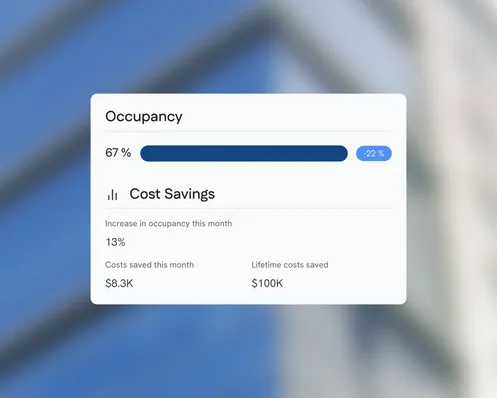
Smart parking management for enterprise workplaces
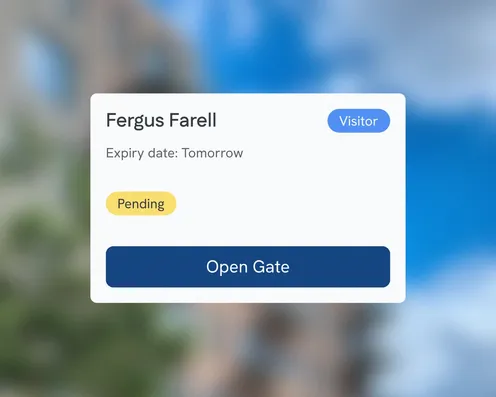
Parking and revenue tools for multifamily properties
Industries
Parking and guest access for busy tech campuses.
Campus parking for scientists, lab teams and office staff.
Parking and contractor arrivals for energy sites and offices.
Parking for production teams, shift workers and contractors.
Staff, patient and visitor parking for hospitals and health systems.
Permits, staff, student and visitor parking on campus.

Products

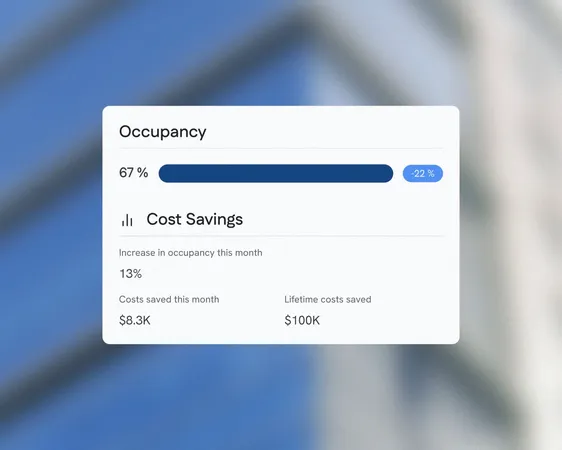
Smart parking management for enterprise workplaces
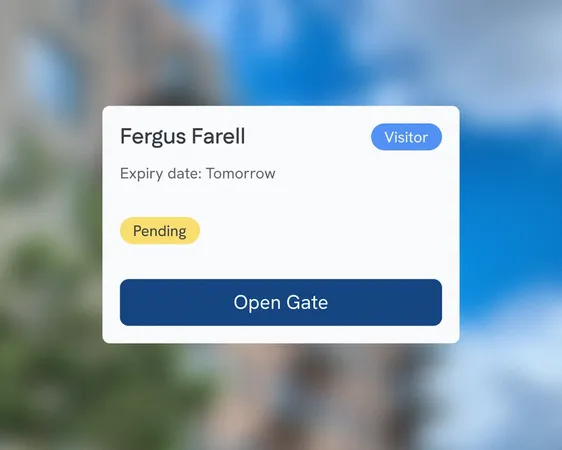
Parking and revenue tools for multifamily properties
Industries
Industries
Parking and guest access for busy tech campuses.
Campus parking for scientists, lab teams and office staff.
Parking and contractor arrivals for energy sites and offices.
Parking for production teams, shift workers and contractors.
Staff, patient and visitor parking for hospitals and health systems.
Permits, staff, student and visitor parking on campus.
Features
Features
See how full every garage, level and lot is right now and over time.
Let employees book, manage and access their own parking, all within the one app
Entry via phone, license plate, or badge — no manual lists.
Connect the tools your team already uses
Run monthly, fixed-term, overnight and free permits in one place.
Interactive maps that guide people straight to their spot.
Self-service guest check-in with instant space booking.
Add-ons
Automate charger rotation so every EV gets a fair turn.
Plan and manage employee shuttle routes in one place.
Match employees by route to share rides and free up spaces.
Organized shared commutes that cut costs and reduce cars on-site.
Resources
Resources
See how real customers solved their parking problems
Parking insights, guides, and industry trends
In-depth guides you can take offline
Meet the team behind the platform
Open roles across our growing team